Why Do Creators Disable the 'Save Video' Button?
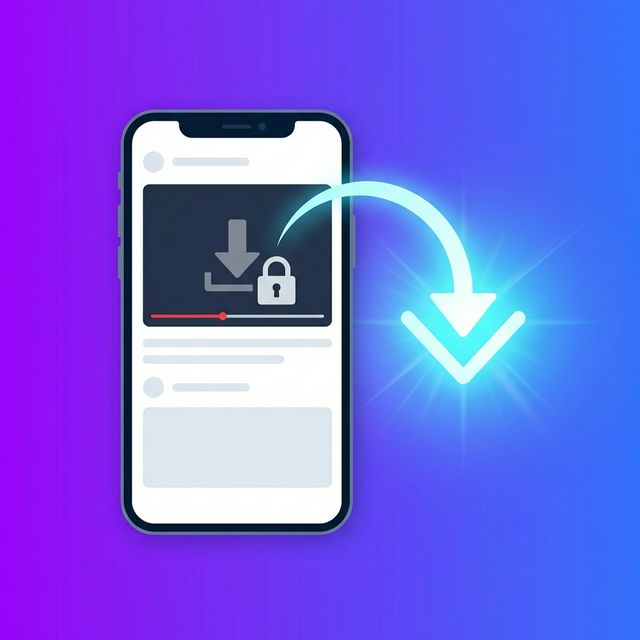
TikTok offers creators a built-in privacy setting that allows them to block users from downloading their videos directly to their device's camera roll. When this feature is activated, you'll either see the "Save video" button completely removed from the share menu, or it will be grayed out and unclickable.
Creators usually restrict downloads for a few common reasons:
- Protecting Original Content: They want to prevent their videos from being reposted by other accounts without credit
- Controlling Their Narrative: They prefer that conversations happen natively in their comment section where the context is preserved
- Monetization Exclusivity: Creators trying to drive traffic to other platforms might want to keep the video exclusive to TikTok
⚠️ Copyright Considerations:
Always respect copyright. Just because a web downloader can bypass a disabled save button doesn't mean you have the right to claim the content as your own. Downloaded videos should be used responsibly for offline viewing, private inspiration, educational commentary, or fair-use transformative edits.
Can You Still Download These Videos?
Yes, absolutely. While the native app restricts the download, the video itself is still publically available via its URL. To download it, you simply need a tool that can fetch the video files directly from TikTok's servers using that link. This has the added advantage of letting you download the video without watermarks.
| Download Method | Watermark Status | Best Use Case |
|---|---|---|
| Native "Save Video" (if enabled) | Includes Watermark | Quick sharing with friends via iMessage or WhatsApp |
| Web Downloaders (Download Force) | No Watermark | Bypassing disabled save buttons, high quality |
| Screen Recording | Includes UI Elements | Last resort if link sharing is entirely disabled |
How to Download Videos (Step-by-Step Guide)
Follow this simple visual timeline to bypass the restriction and save your video:
Copy the Link
Open TikTok, find the video, tap "Share", and select "Copy Link". Even if the save option is disabled, link sharing works.
Open a Downloader
Navigate to Download Force in your mobile or desktop browser.
Paste & Process
Paste the copied link into the input box and tap the "Download" button.
Save to Device
Select the "No Watermark" or "HD" option to save the video directly to your camera roll.
💡 Pro Tip:
If you're only trying to get the audio from a restricted video (perhaps to use in your own edits), you can extract it as an MP3 instead of a full video file using our audio download feature.
Common Downloading Mistakes to Avoid
When bypassing download restrictions, ensure you aren't making these common errors:
❌ Screen Recording
Screen recording captures all UI elements, heavily compresses the video quality, and throws off the audio-sync.
❌ Re-uploading as Your Own
Bypassing a save restriction does not grant you copyright. Do not repost without permission or attribution.
❌ Using Sketchy Apps
Avoid unverified apps from app stores that might contain malware. Stick to trusted web tools.
❌ Ignoring Storage Space
HD video files are large. Ensure you have enough storage on your phone before batch downloading.
Conclusion
Even when a creator disables the native "Save Video" option, you can still easily download public TikTok videos using web-based tools like Download Force. This method guarantees you receive the highest quality file without watermarks, giving you more flexibility for offline viewing or legal repurposing.
Ready to bypass the restrictions? Our built-in tool provides the fastest way to save your TikTok videos in crisp HD quality.
Download Your TikTok Videos Instantly
Paste your link and get your watermark-free video in seconds.
Try Download Force Now